Gear-Falcon
2nd Generation Trim Wheel, Panel mount, with Trim-Lock
2nd Generation Trim Wheel, Panel mount, with Trim-Lock
Couldn't load pickup availability
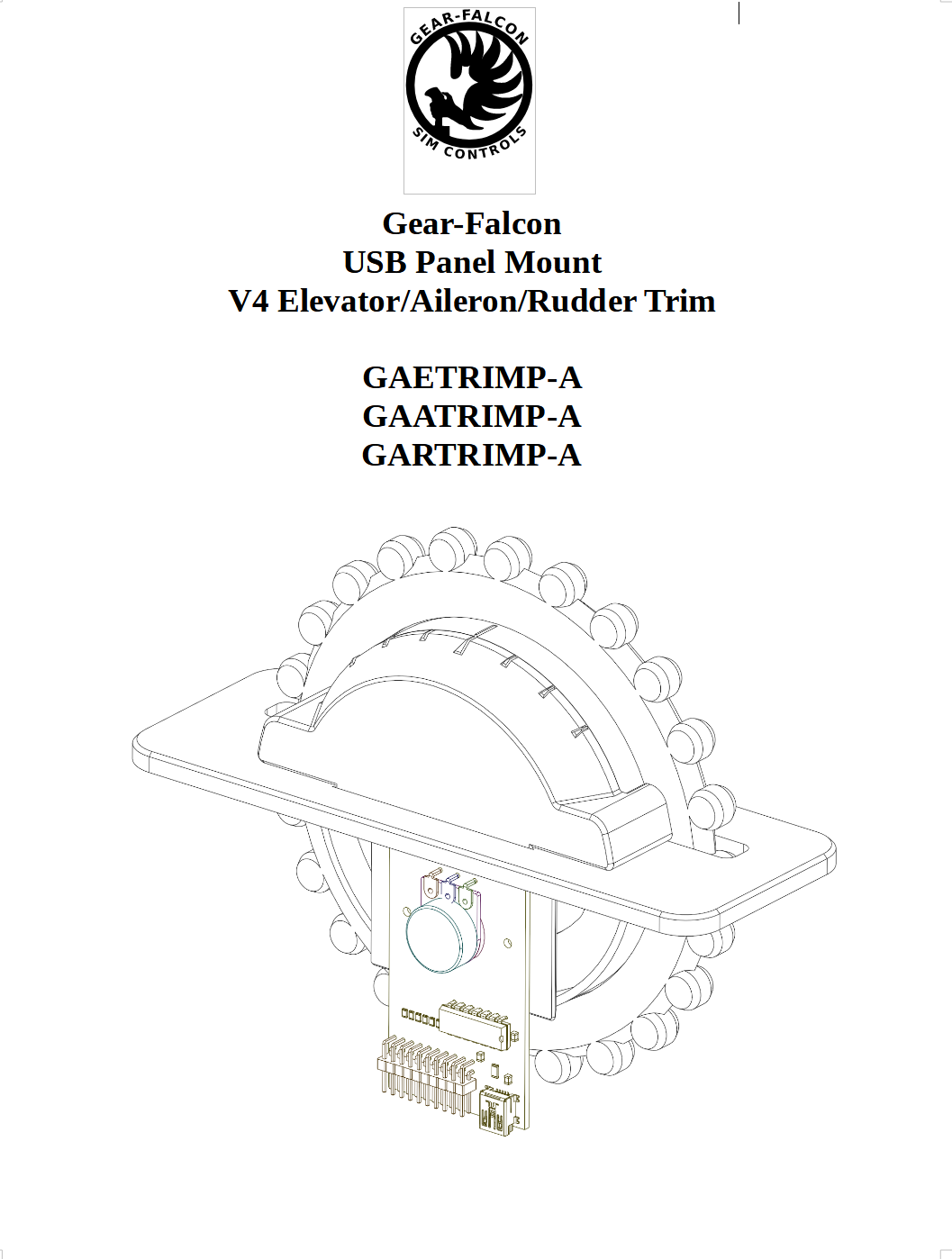
Step up your Flight Sim game with our new 2nd generation, panel-mount trim wheel assembly!
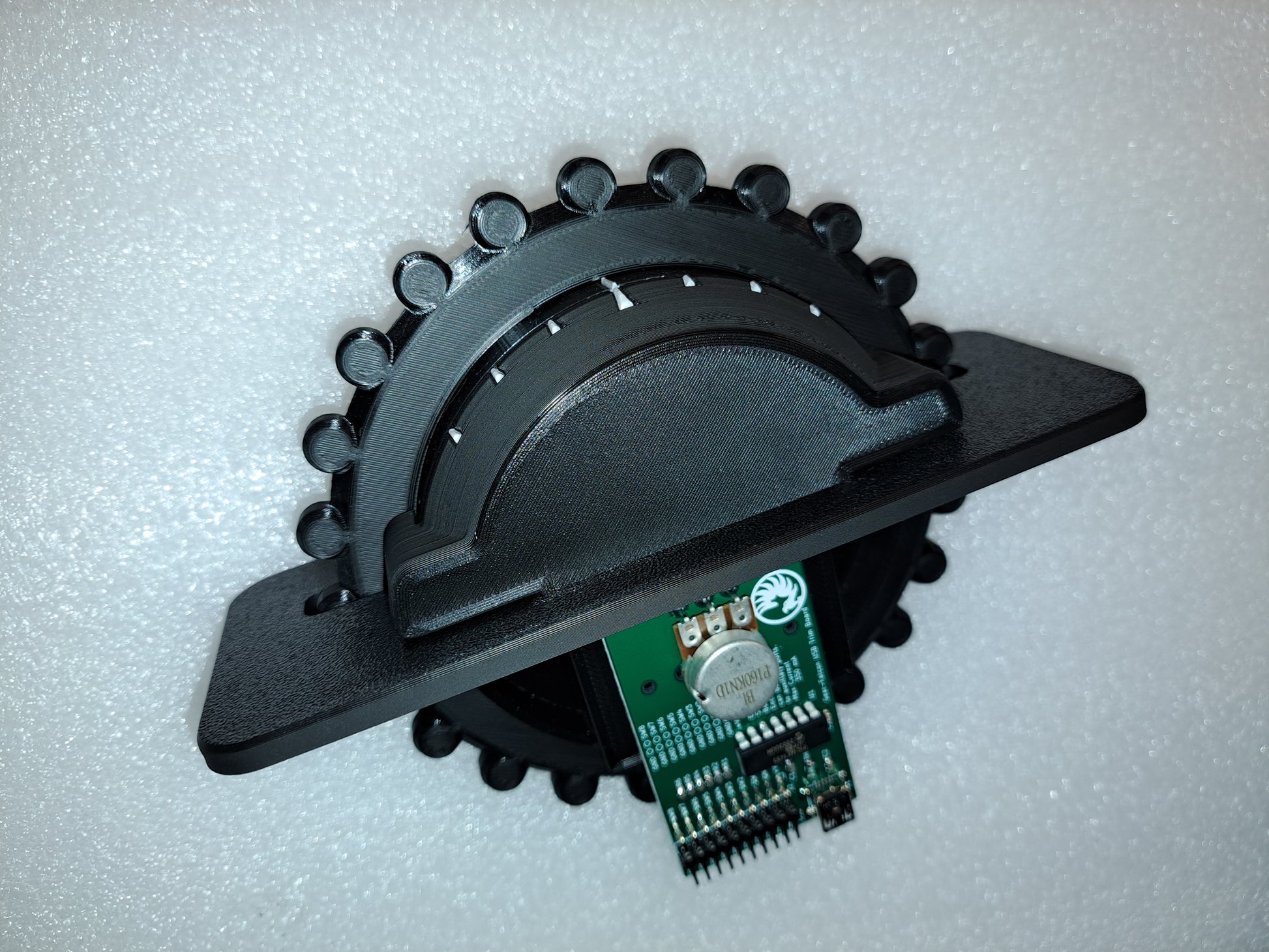
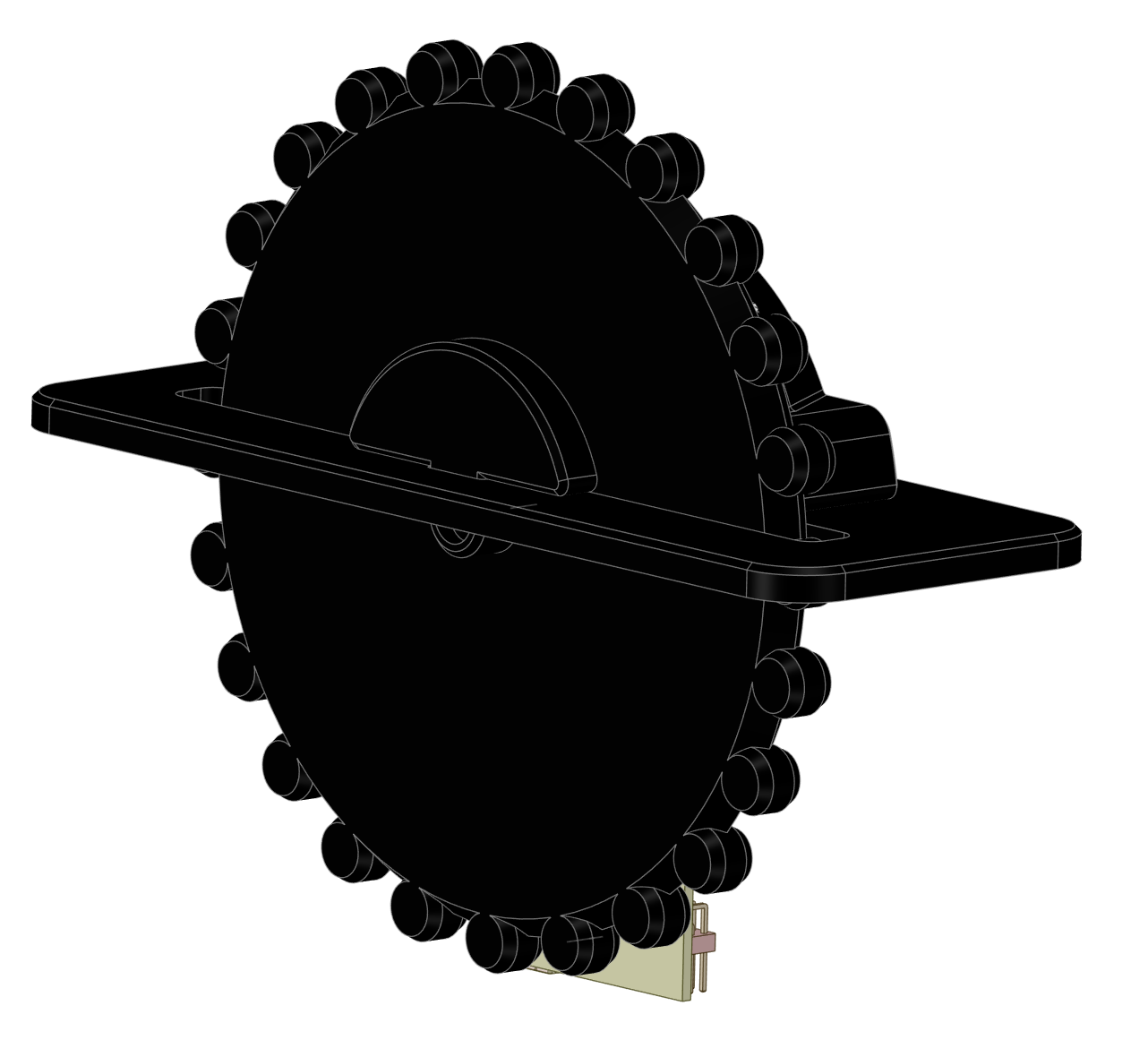
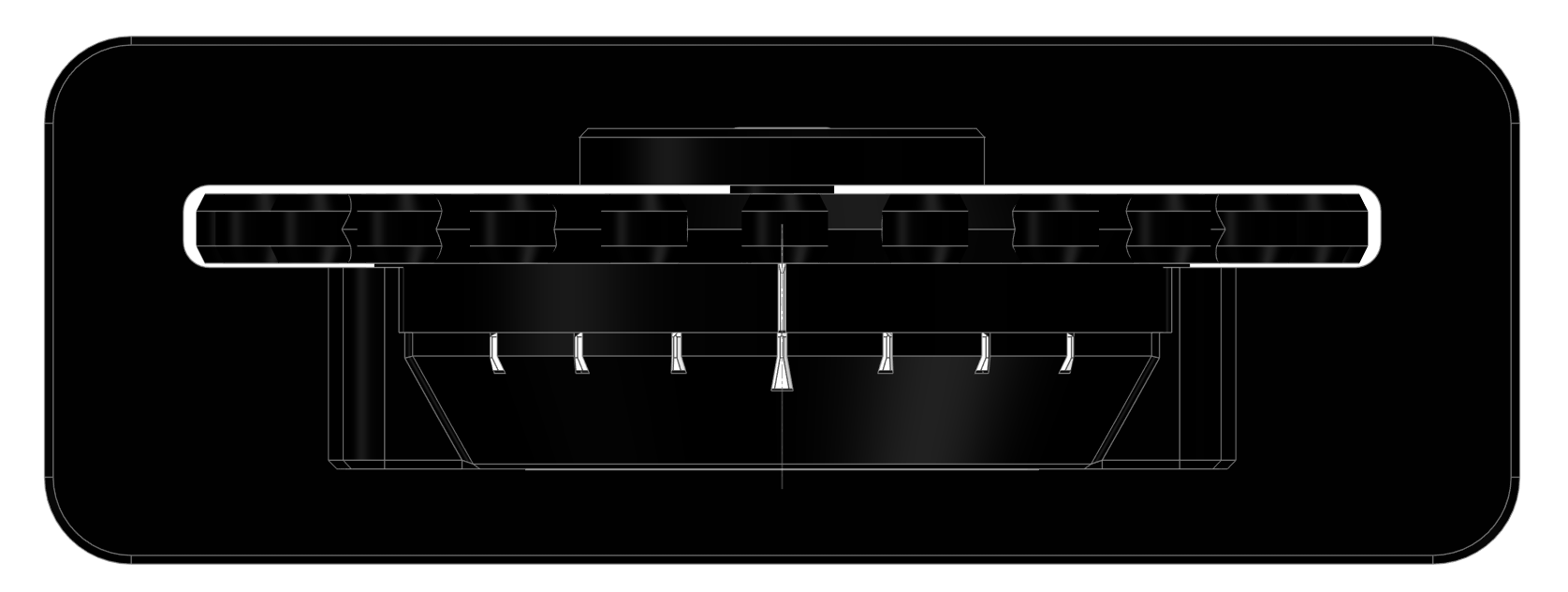
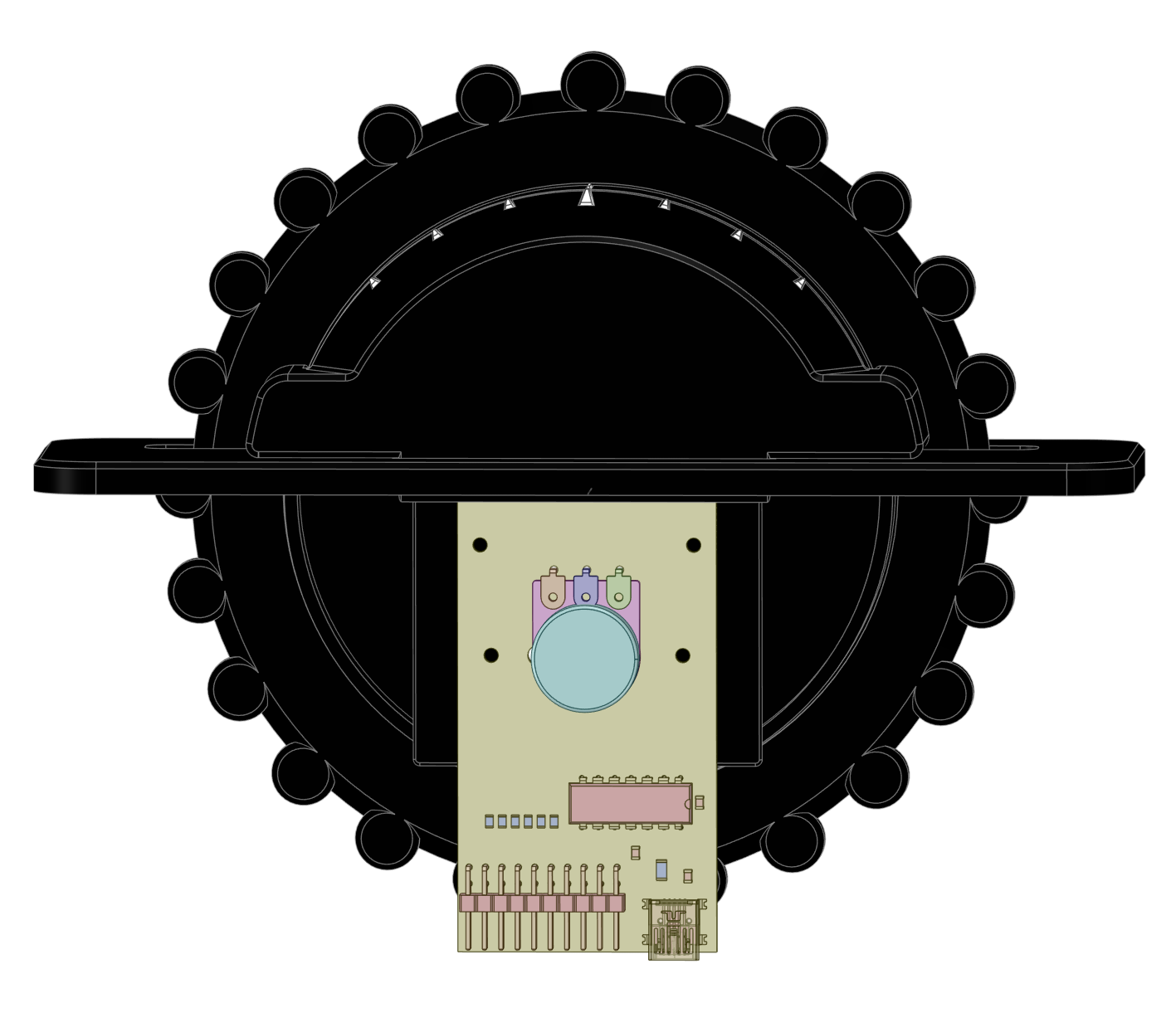
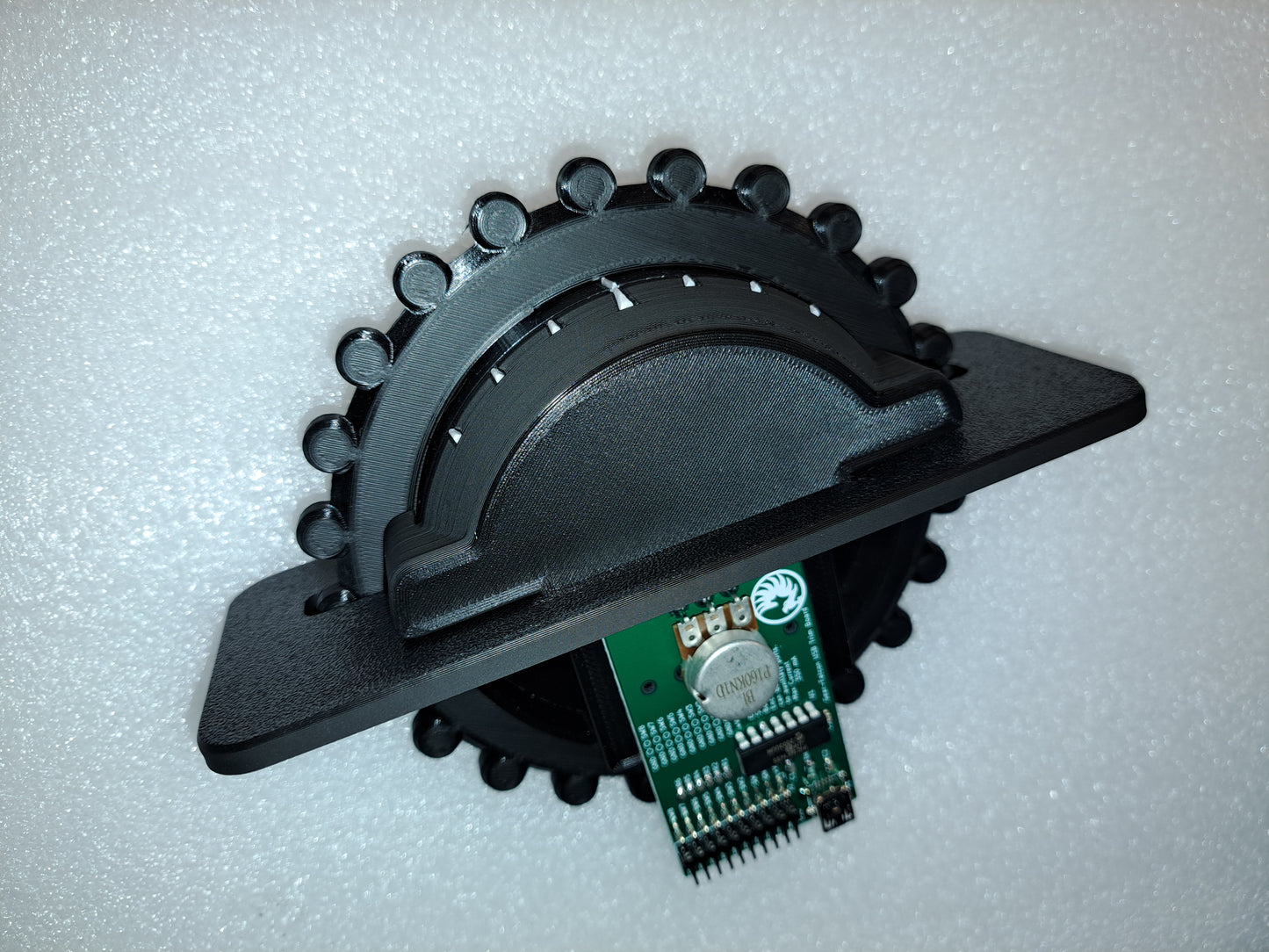
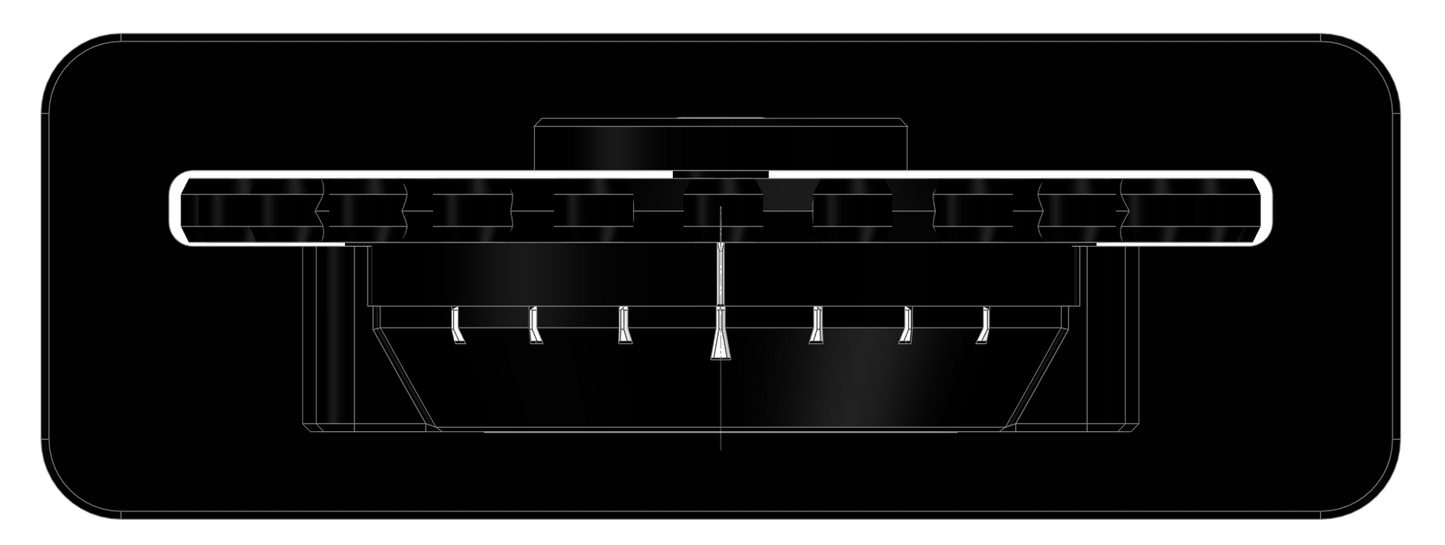
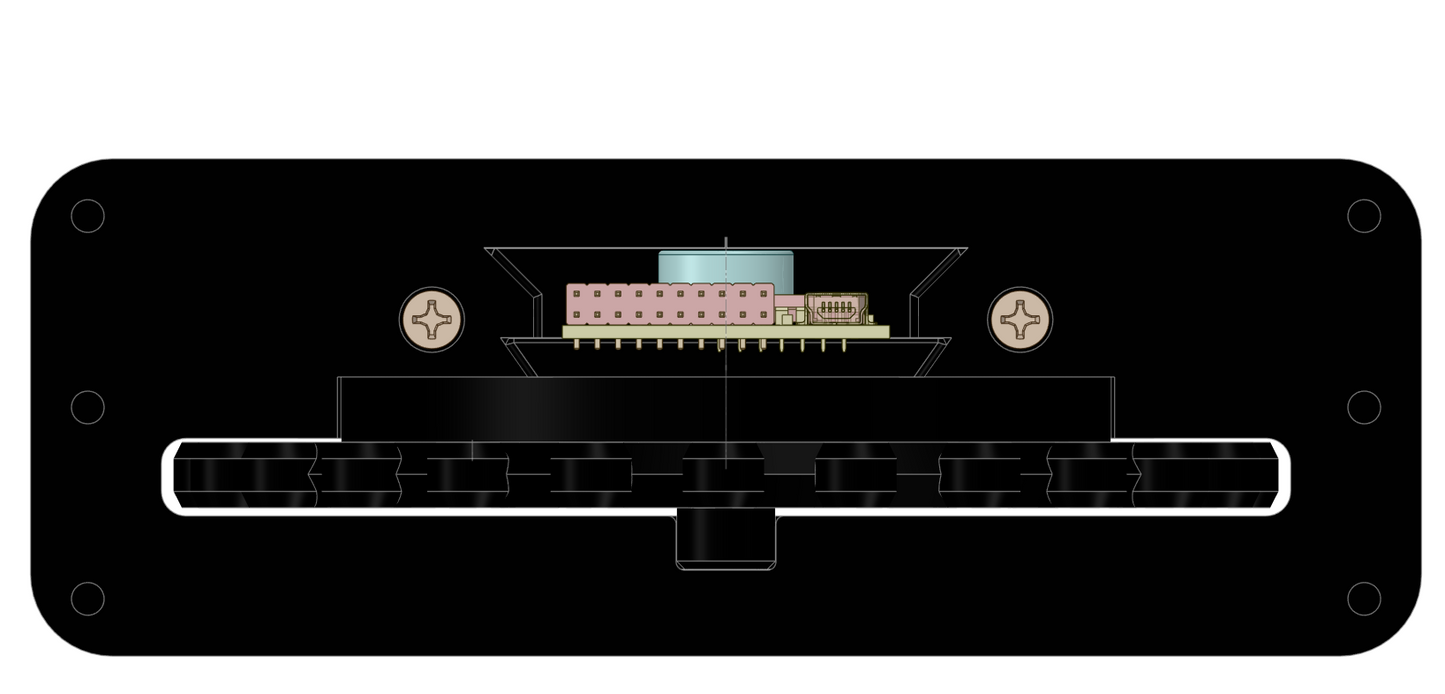
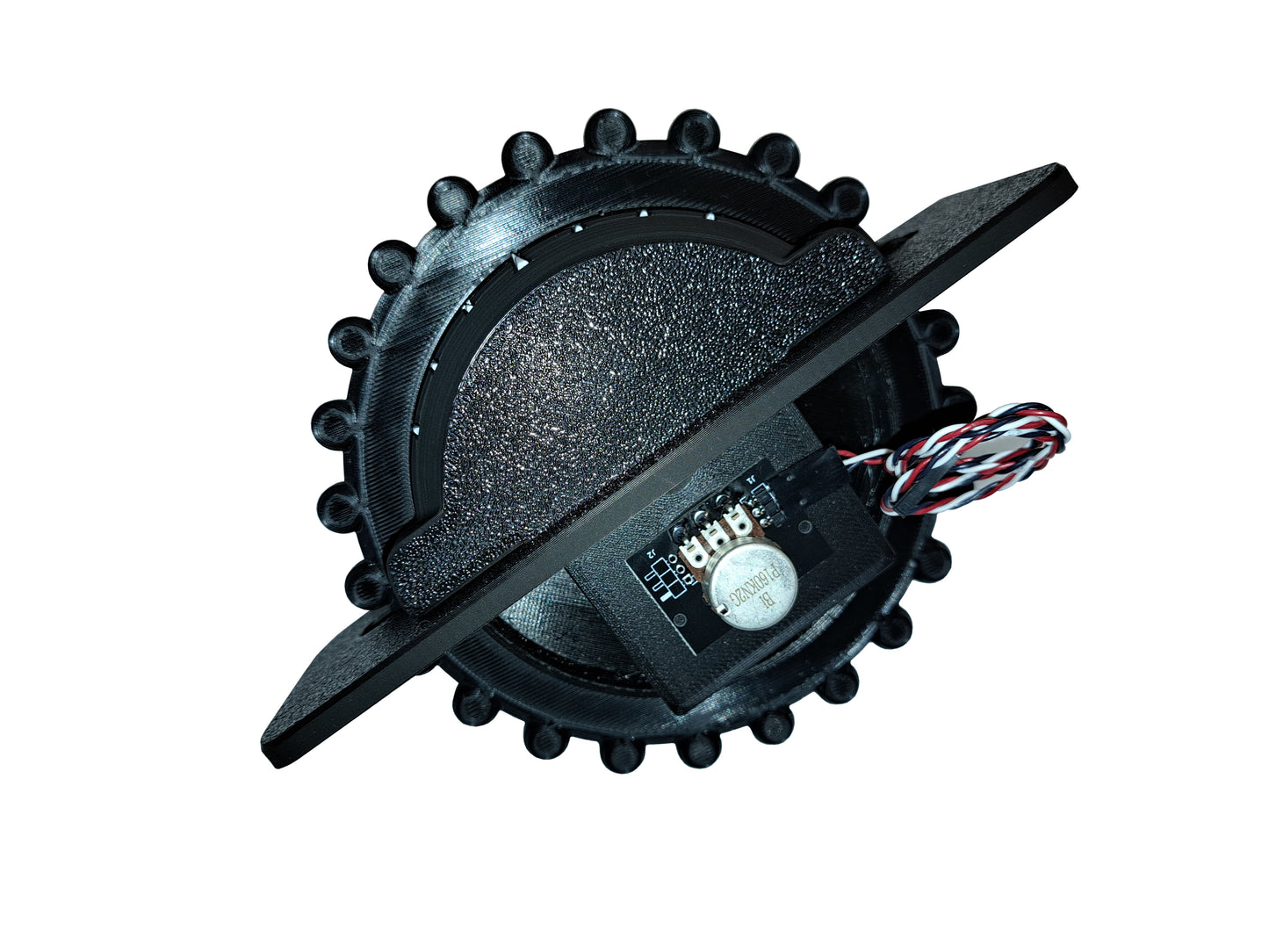
Designed to give the look and feel of a small aircraft trim wheel, our control is made of rugged 3-D printed ABS plastic, and includes a long-life potentiometer, rated at 100,000 cycles. The assembly is geared to provide 2-1/2 turns of the trim wheel, using the entire usable range of the potentiometers rotation, adding precision and realism. Our new curved indicator lets you know how far you are from the neutral position, and makes it easy to center the trim, with tick marks every 40 degrees, and a larger tick mark for center. Greatly increases immersion in your sim, as instead of clicking away on unrealistic keyboard keys, or using your mouse to adjust trim, you can use a control that mimics the real thing.
This new 2nd generation trim wheel includes Trim-Lock, our unique end stop mechanism that will prevent you from over-turning the wheel and damaging the gears and potentiometer!
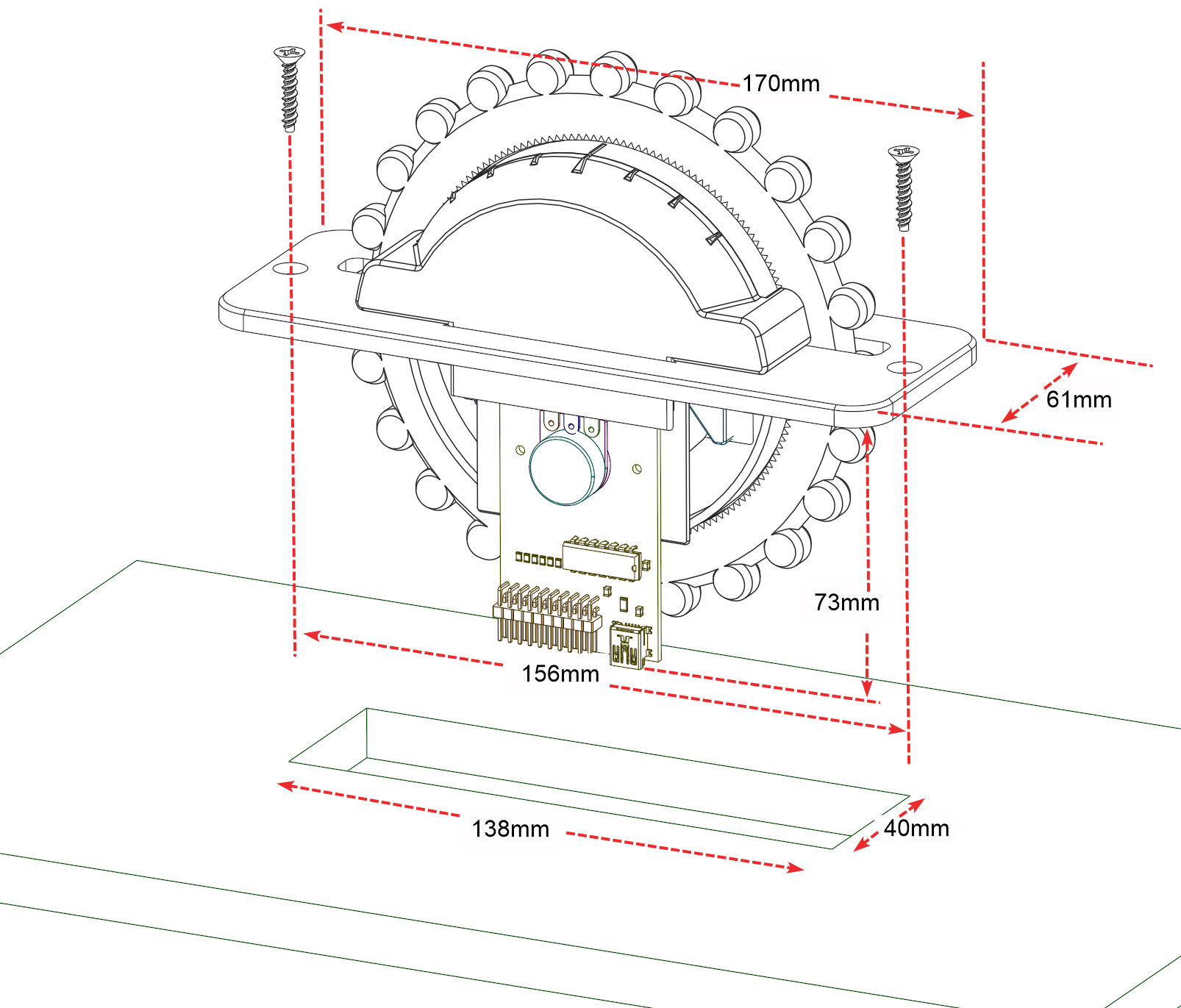
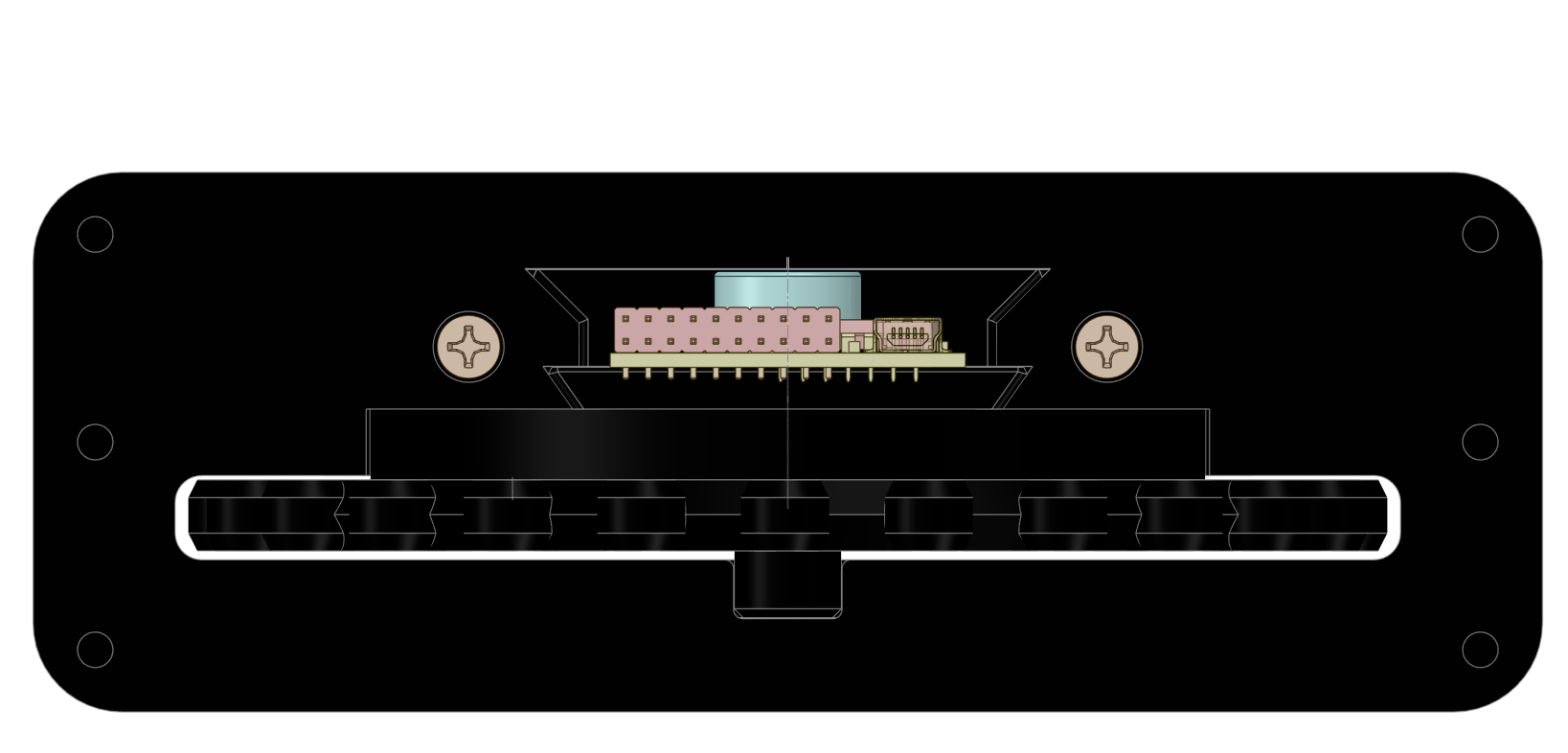
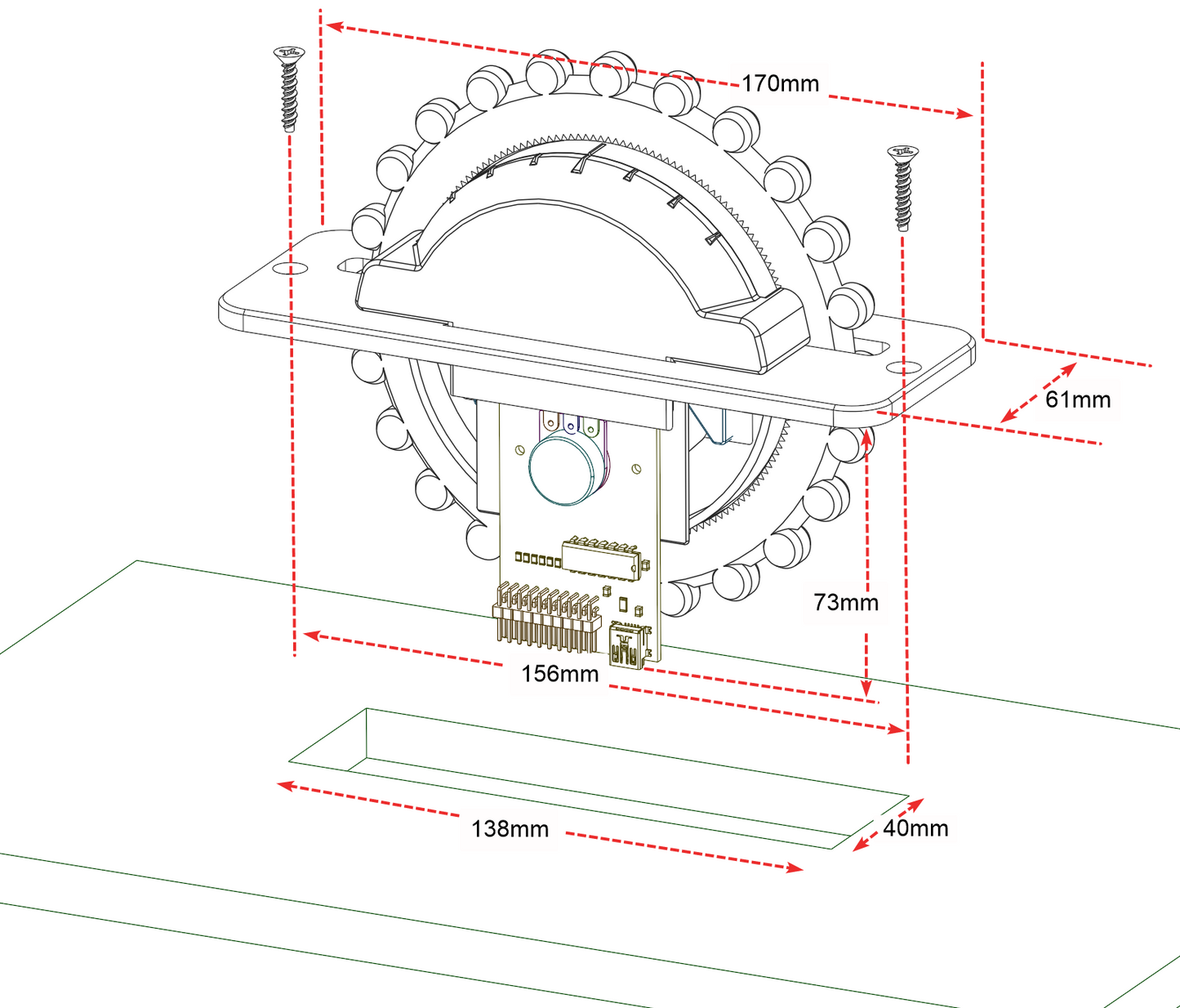
You can use the included mounting screws to mount the unit to your control panel, or attach with glue or double-sided tape.
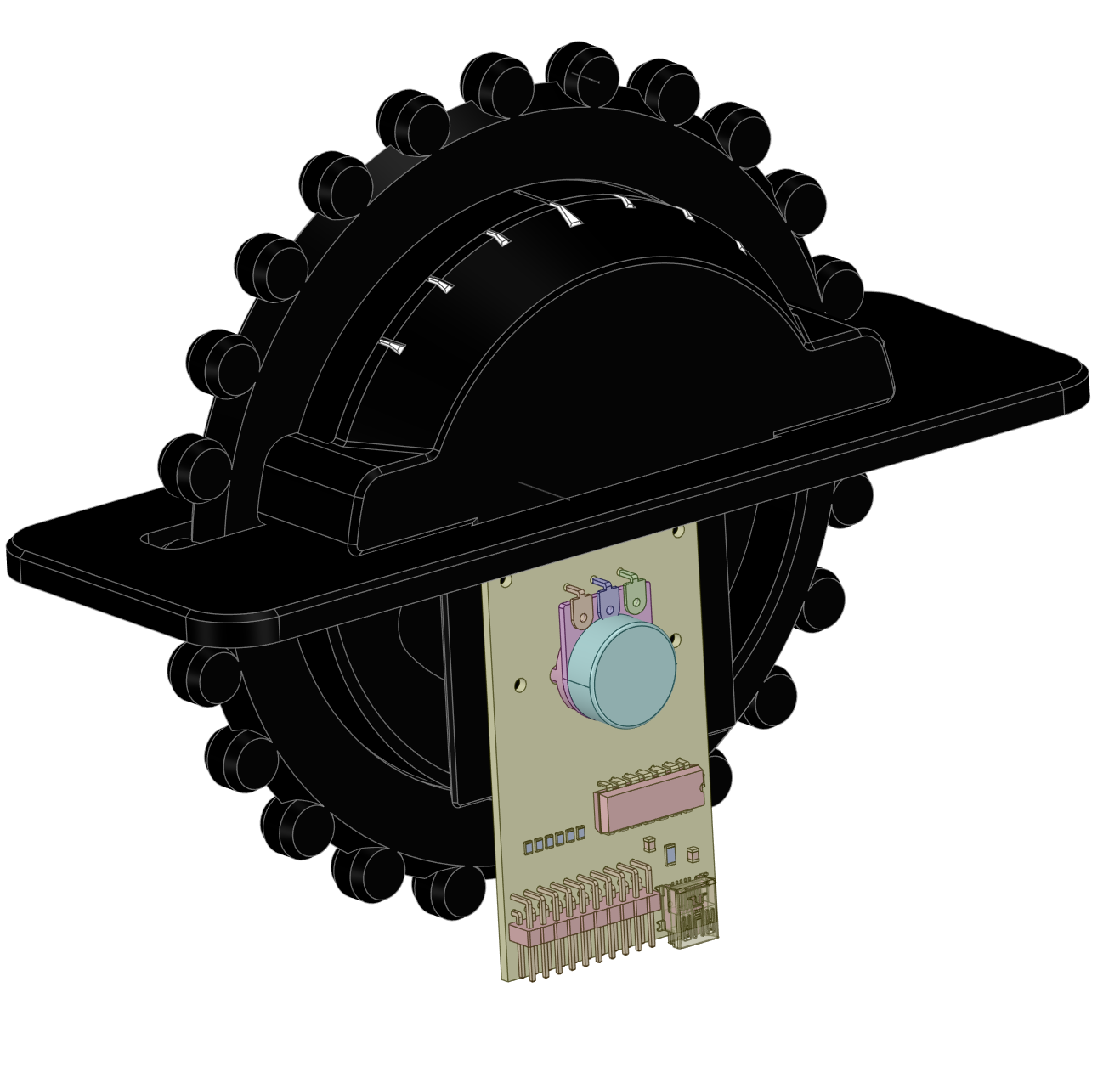
The USB Control board will appear as a standard HID Joystick controller, identified as a "Gear-Falcon Elevator Trim", "Gear-Falcon Aileron Trim", or "Gear-Falcon Rudder Trim", depending on which version you purchase. Also included are breakout pins for 8 digital inputs - you can upgrade it by connecting buttons, switches, encoders, etc.
10' USB Mini-B cable included.
This trim wheel is also available without a USB joystick control board. It comes with a 14" 3-wire cable for connecting to the joystick control board of your choice.
Fully compatible on PC or MAC with any flight sim that allows you to map an analog axis to the trim function...MSFS2020, IL-2 Cliffs of Dover, IL2-BoX, XPlane, etc.
Attention MSFS 2020 users: Please remember to turn off "AI Auto Trim" in the Assistance menu or the AI will not let you trim the aircraft yourself.
If you have problems getting it to work in MSFS 2020 take a look at this video: https://www.youtube.com/watch?v=gXejtzR1GUI
Made of 3-D printed black ABS plastic.
Materials
Materials
Shipping & Returns
Shipping & Returns
Dimensions
Dimensions
Care Instructions
Care Instructions
Share
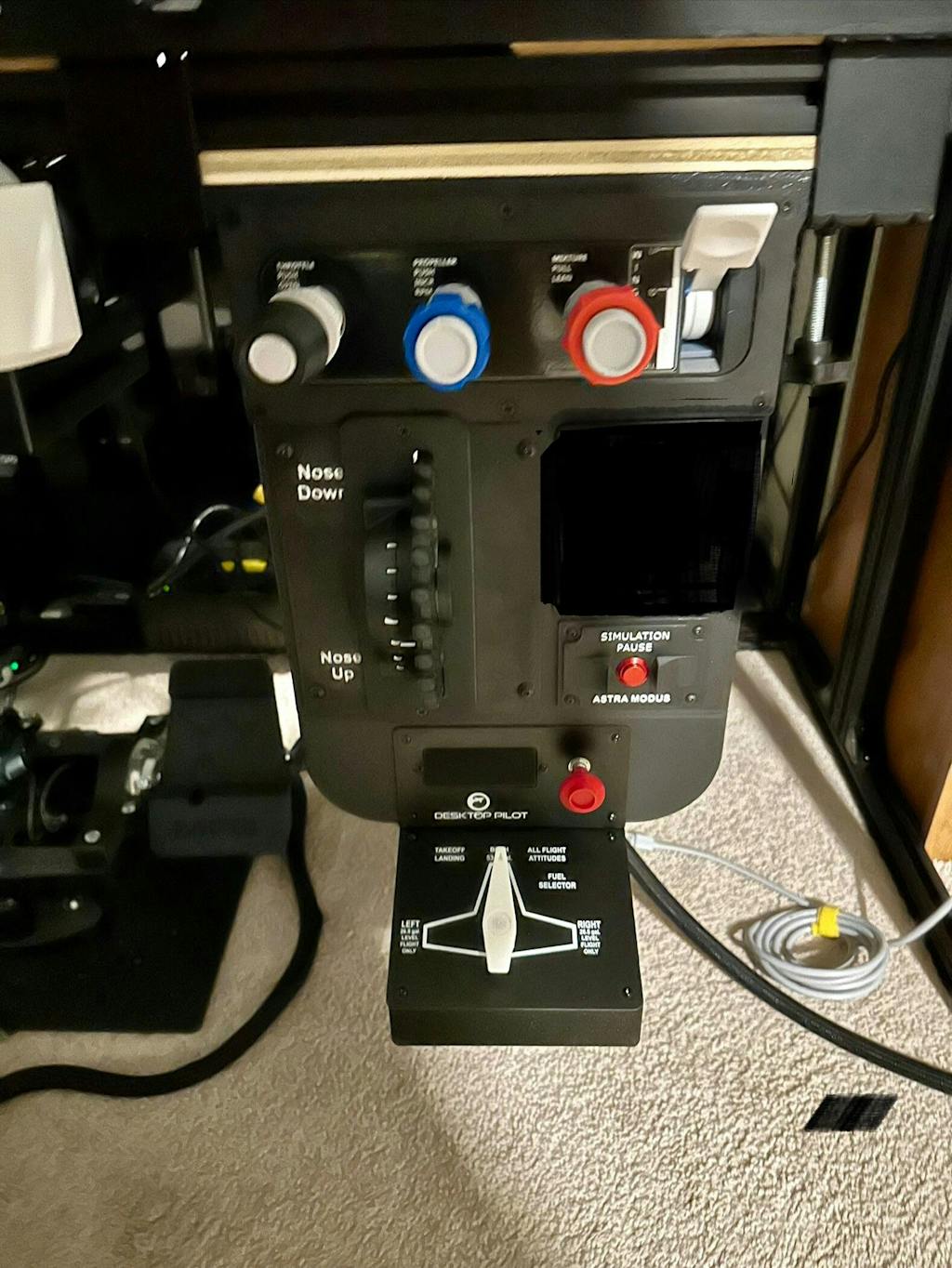
Product received in a very protected box well package and safe from shippers. The product you can tell is 3D Printed which was expected. High quality design, verniers work very well on the TPM, nice replicas of the real thing. Easy installation and setup for the TPM fits nicely into my panel…
Also, in the same order received 2nd Generation Trim Wheel, Panel mount, with Trim-Lock. It connects directly to my TPM saving USB connections on my computer. Very high quality with a mechanical indicator of trim position. Almost plug and play, setup was that easy. Other trim units feel wanky, this one responds like your really in the Aircraft. With my MOZA ForceFeedBack yoke moving with the trim wheel for elevator trim, you can’t beat the realism. Thanks to Rob at Gear Falcon for his Awesome design, quick turn around on my order, the only issue was United States Postal Service, but I finally received my package intact thanks to Gear Falcon!!
Works very well except there is a little too much and variable friction when turning the wheel for my liking.
Much better than the Honeycomb Bravo digital trim.
Best price point for 3d printed controls. Works just like should. Trim is accurate in the sim.